Check out our suite of Bridge videos: from beginner to advanced features.
Smartsheet’s ability to connect data and reduce non-value-add work through automation can lead to fantastic efficiency gains, but there are limits to what it can do natively.
Bridge, Smartsheet’s premium low/no-code workflow builder, unlocks the full power of Smartsheet’s API and a whole new level of possibilities for automation and reduction of waste.
Here’s a series of videos to inspire you with a little of how you can upgrade your Smartsheet solutions using Bridge.
If your organisation has purchased Bridge as a standalone premium application or it has an Advanced Work Management or Advanced Gold plan, you should be able to access Bridge.
Solution Overview
What you’ll need
Core Smartsheet + Bridge / Advanced Smartsheet Plan
Complexity
Advanced
What’s Included
Tip 1 – Get Report
Tip 2 – Child Workflows
Tip 3 – Conditional Junctions
Solution Overview
What you’ll need
Core Smartsheet + Bridge / Advanced Smartsheet Plan
With limited content available covering what’s possible with Bridge, I would recommend using Prodactive to support your solution development, as they have the expertise and are more than willing to share their knowledge to help you upskill.
Alex Palmer, Project Manager, WBI Energy
Solution Overview
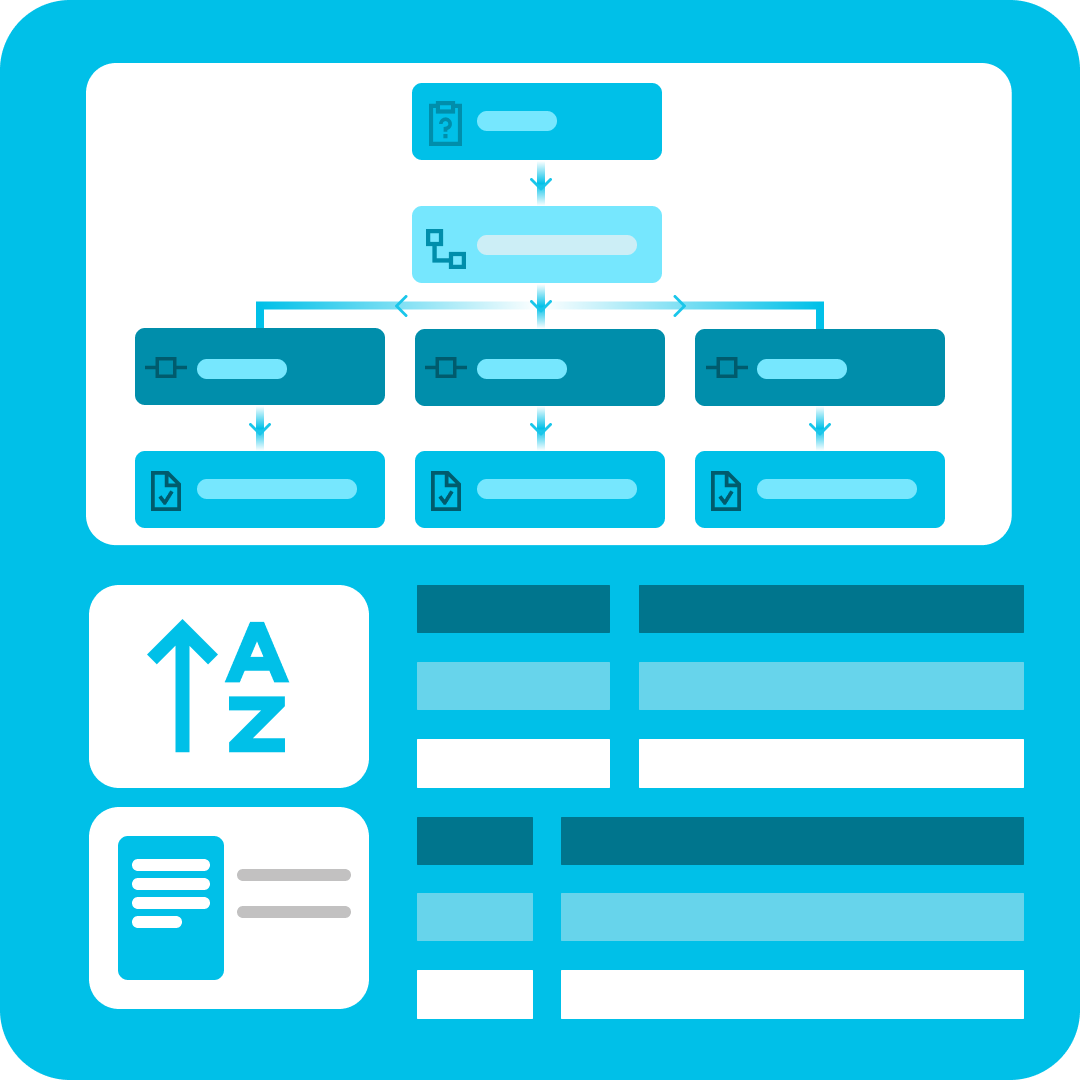
Optimise Smartsheet Bridge workflows: using the Get Report function to gather sheet IDs, employing the Child Workflow module to iterate through them, and implementing Conditional Junctions to filter elements
Files are available for this Demo. Enter your email address below to download the files and agree that you would like to receive marketing communication from Prodactive.